AI For Lawyers
Legal Document Analysis
Legal document drafting has always been a cornerstone of law practice—but it’s no secret that it can be time-consuming, repetitive, and prone to errors. Whether it’s contracts, agreements, or court filings, drafting documents manually takes hours that could be better spent on strategic legal work.
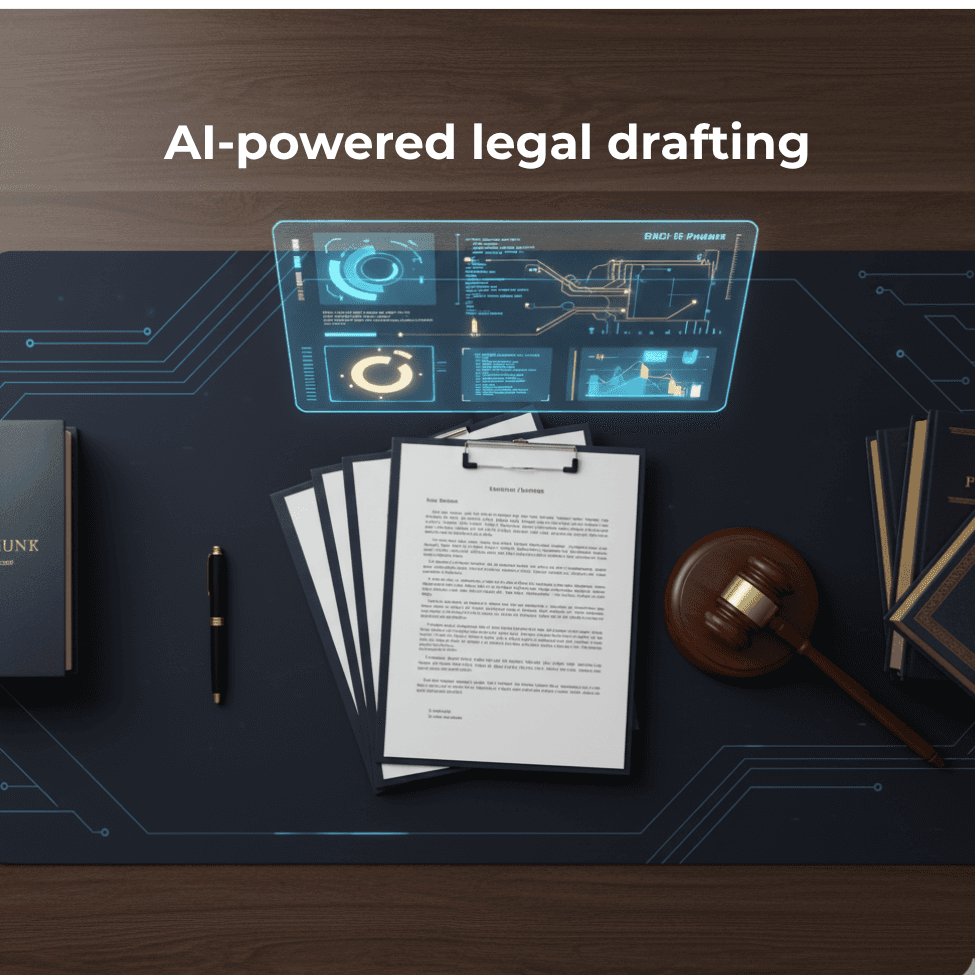
Enter AI-powered legal drafting—a technology transforming the way law firms create, review, and finalize legal documents. With AI as an assistant, lawyers can draft accurate, client-ready documents in a fraction of the time, without sacrificing quality.
Why Legal Drafting Is Traditionally Time-Consuming
Lawyers spend countless hours drafting and reviewing documents because:
Templates and clauses need constant updates.
Proofreading and compliance checks are repetitive but essential.
Errors in drafts can lead to costly revisions or legal exposure.
On average, lawyers spend up to 40% of their day on document creation and review. AI offers a way to reclaim that time while maintaining accuracy and compliance.
How AI Transforms Legal Drafting
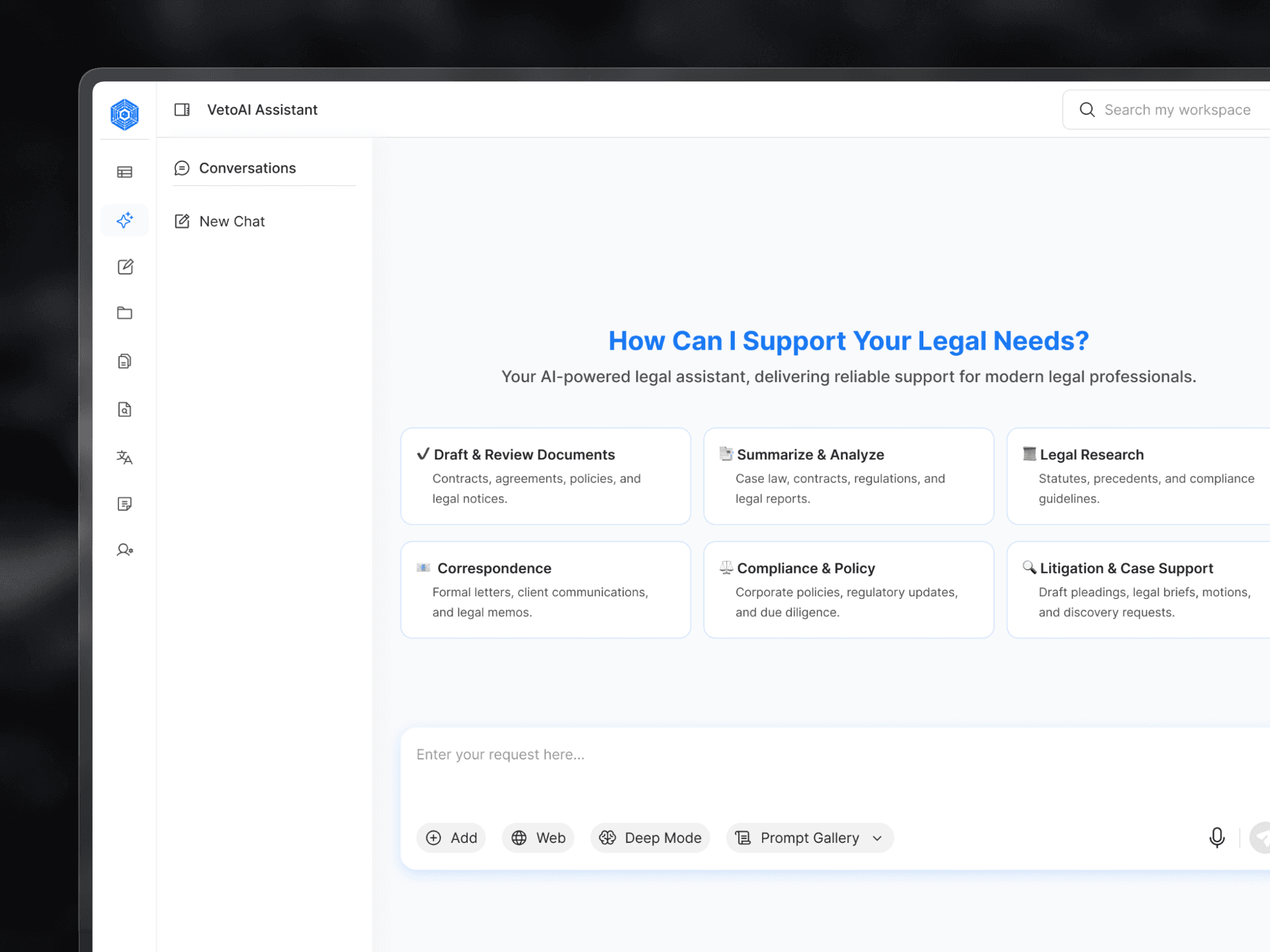
VetoAI doesn’t replace lawyers—it enhances their capabilities. Modern AI-powered drafting tools can:
Generate draft documents from templates.
Suggest clauses or language based on context.
Check for formatting inconsistencies, errors, or missing sections.
Integrate with case management or contract management systems.
Benefits for law firms include:
Faster turnaround times for client deliverables.
Fewer revisions and errors.
Consistent and professional documents across the firm.
Step-by-Step Guide to Using AI for Legal Drafting
Step 1: Choose the Right AI Tool
Select a legal drafting tool like vetoai that aligns with your firm’s workflow and document types. Look for features like clause libraries, smart templates, and secure data handling.
Step 2: Upload Templates or Existing Clauses
Feed the AI your firm’s templates, contracts, or standard clauses. This ensures AI-generated drafts match your firm’s style and compliance standards.
Step 3: Generate a Draft Using AI
Input key details such as client name, dates, or contract specifics. AI produces a first draft in minutes, handling repetitive language efficiently.
Step 4: Review and Customize
While AI drafts quickly, human review is essential. Ensure legal accuracy, customize language for context, and add strategic clauses.
Step 5: Finalize and Deliver
Once reviewed, the document is ready for client use or court filing—saving hours compared to traditional drafting.
Tip: AI speeds up drafting, but human oversight ensures compliance, context, and strategy.
Real-World Benefits for Law Firms
Time Savings: Drafting that once took hours now takes minutes.
Error Reduction: Fewer typos, missing clauses, or compliance mistakes.
Higher Client Satisfaction: Faster turnaround and professional documents.
Case Study Example: A mid-sized law firm using AI reduced contract drafting time by 60%, freeing attorneys to focus on high-value strategic work.
Best Practices for AI-Powered Legal Drafting
Always review AI-generated drafts for accuracy.
Keep templates and clauses updated.
Treat AI as a drafting assistant, not a replacement for human judgment.
Maintain confidentiality and data security.
Integrate AI with existing workflows for maximum efficiency.
Common Misconceptions About AI in Legal Drafting
“AI will replace lawyers.”
Reality: AI handles repetitive tasks, allowing lawyers to focus on strategy and client counseling.“Only big law firms can use AI.”
Reality: Many AI tools are accessible to small and mid-sized firms.“AI drafts perfectly without review.”
Reality: Human oversight is critical for accuracy, context, and compliance.
Top AI Tools for Legal Drafting
VetoAI: Draft contracts, agreements, and legal documents quickly.
Other Tools: Consider AI-powered contract management and document automation platforms.
Features to look for: templates, clause libraries, smart suggestions.
Conclusion
VetoAI is no longer a futuristic concept in law—it’s a practical solution for advanced law firms. By integrating AI into legal drafting, firms can save time, reduce errors, and provide faster, more accurate service to clients.
Ready to supercharge your law firm’s legal drafting? Start exploring vetoAI tool today and see the difference between drafting manually and drafting smartly.
Author :
Avika Grover
Innovator @VetoAI | Litigation & Dispute Resolution

Get started with legal AI
Ready to Work Smarter With Legal AI?